How to change a fiscal drive
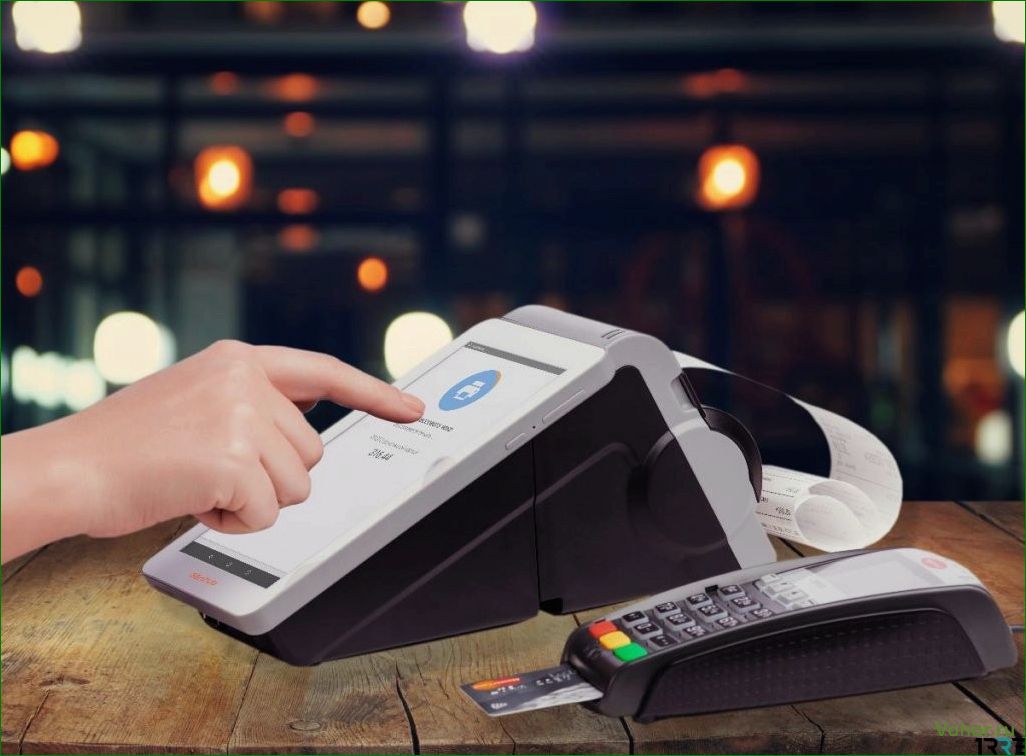
Fiscal storage (FN) is the “memory” of a cash register, an analogue of a secure (AKLZ) tape with electronic control. The device performs two main functions.
Contents of the article:
- encryption of fiscal data for transmission to the OFD.
- Five-year archival storage of fiscal data.
In what cases is it necessary to change the FN
When the drive expires
The fiscal accumulator is available for 15 and 36 months; the choice of FN depends on the tax regime of a legal entity or individual entrepreneur.
At the end of its validity period, the fiscal drive stops transmitting data to the OFD, and if this problem is not solved immediately, the Federal Tax Service blocks the cash register.
The memory of the fiscal drive is full
As with any data storage device, there is a certain memory limit for a fiscal storage device. This limit may be exhausted before the expiration of the FN.
The fiscal drive is damaged
This also happens. In this case, the cash register no longer sends data to the OFD, which is automatically blocked after 30 days.
When the owner of the cash register changes
If the cash register is sold and registered under a new legal entity or individual entrepreneur, the fiscal drive must be replaced with a new one.
Errors when registering or re-registering a cash register
When registering a cash register, if the wrong number was entered, the registration number of the cash register or the serial number of the fiscal drive itself was incorrect.

Replacing the fiscal drive
The most common reason replacing fnl is the expiration date.
You can track the work schedule of the fiscal drive using the OFD cash register software or in your personal account. As a rule, the cash register itself warns that the validity period of the FN is coming to an end or that the memory is full.
Before replacing the fiscal drive:
- Conduct cash control at the end of the shift.
- Make sure that all documents are submitted to the OFD.
-Compile step-by-step instructions in the register of registers on how to do this, in the CCP document “Report on closing the fiscal drive.” The fiscal storage device must be “closed” until its expiration date.
Next, you need to disconnect the cash register from the network and internet and replace the fiscal storage device with a new one. The need for these steps depends on the specific cash register model. You can do this yourself or contact a technical service center.
Connect the cash register and generate a “Report on Changes in Fiscal Parameters Due to Replacement of the Fiscal Storage Device.” This report will be required for re-registering the cash register with the Federal Tax Service. According to the law, old fiscal storage devices cannot be thrown away. The owner is required to keep them for five years.
Re-registration of a cash register with a new FN
To install a new fiscal storage device, the cash register must be re-registered with the Federal Tax Service. This can be done through the taxpayer’s personal account on the Federal Tax Service website or through the OFD personal account.
This requires an electronic signature and the data from the report on changes in accounting parameters. Follow the instructions in your personal account and indicate “Re-registration of the cash register due to replacement of the fiscal storage device” in the “Reason” field. Complete the application form and attach the accounting report. Typically, the tax office processes applications for cash register re-registration within one day. Once the cash register data is updated, you can begin using it.
You can purchase new 15- and 36-month accounting drives, electronic signatures for cash register re-registration, and receive qualified assistance from Taxcom service center specialists.


